Encore
Countdowns, habits and counters as iOS widgets, on the home screen and lock screen.
- Status
- Shipped
- Year
- 2026
- Role
- Concept, design and development
- Stack
- React Native, Expo, TypeScript, SwiftUI, WidgetKit, ActivityKit, RevenueCat
Screenshots
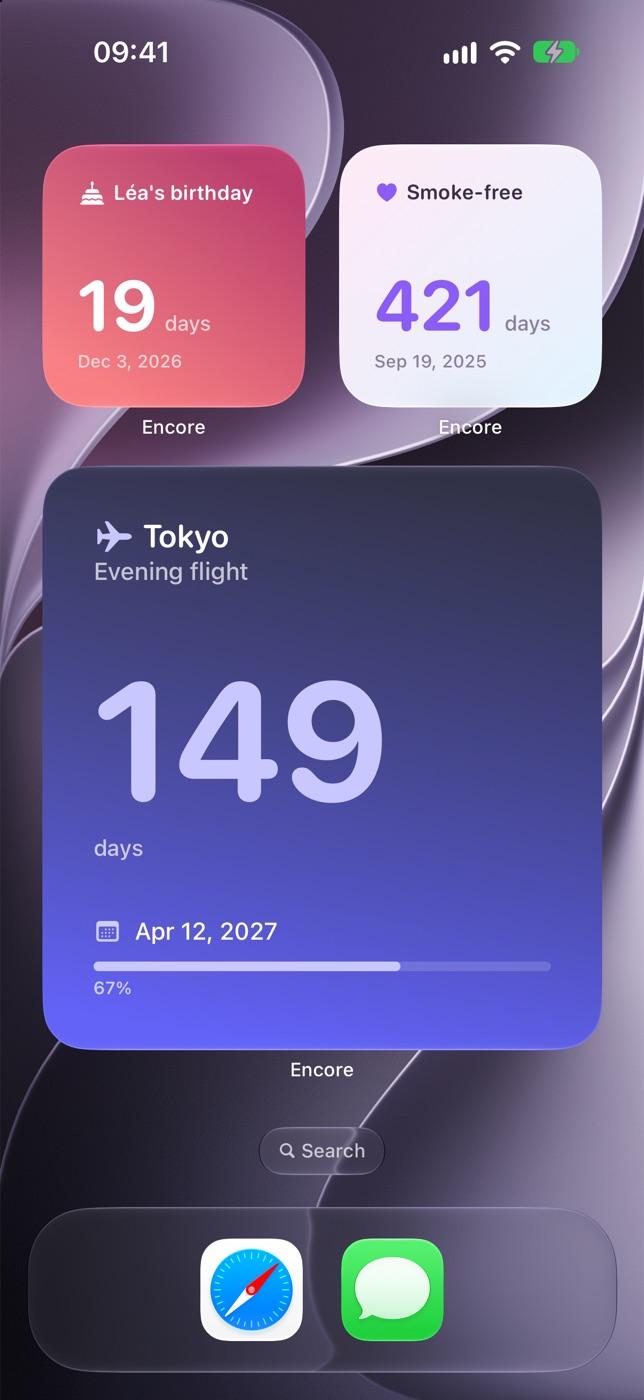
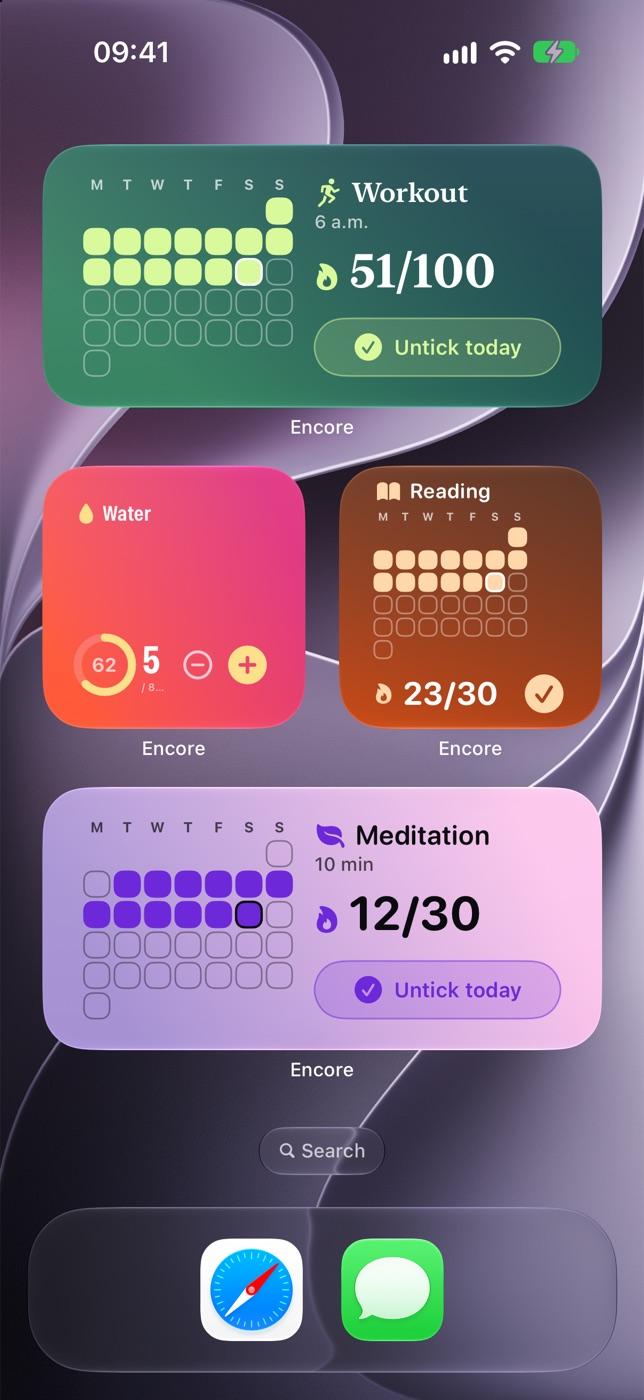
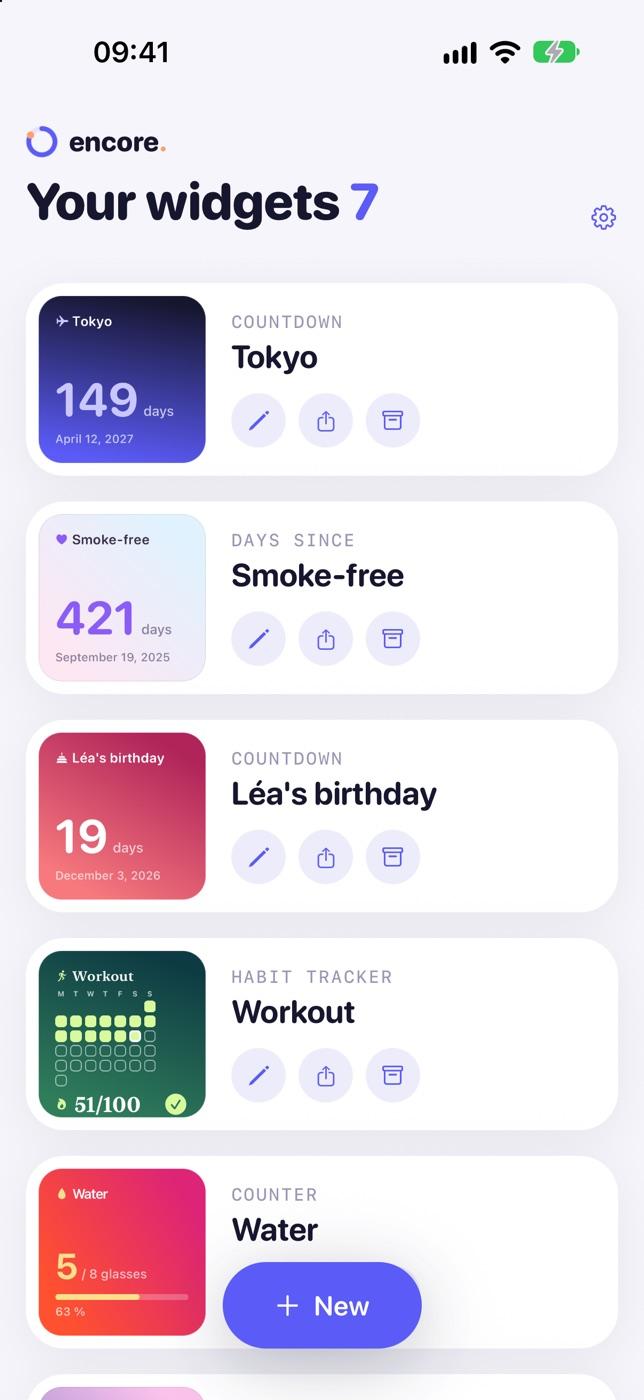
Encore turns the dates that matter into widgets you actually see: on the home screen and the lock screen, where a number does more than a reminder buried in an app. It launched on the App Store in September 2026 as Focus Widget, and has been called Encore since version 1.4.0, in November 2026.
The need
A countdown, a habit to keep, a number of glasses of water: these only help if you see them without thinking about it. Encore is where you create and style them; you then read them where your eyes already go: home screen, lock screen, StandBy or the Dynamic Island.
Audience and constraints
- iPhone only: iOS 16.4 for the app, iOS 17 for interactive widgets.
- No account, no server, no subscription: everything stays on the device, and Pro is a one-time purchase.
- Five languages (English, French, Italian, Spanish, German) and an App Store listing Apple reviews line by line: the purchase screen never promises something that does not exist.
What I did
I ran the project alone, from concept to release: interface and icon design, development of the app and the widget extension, in-app purchase, App Store listings and screenshots.
What the app does
- Countdowns, to a date or since a date (“412 days without smoking”), in days or down to the second.
- Habit tracking: check off today straight from the widget. Current streak, record, a year grid, and badges at 7, 30, 100 and 365 days.
- Counters: a value, a target and a unit, with + and − on the widget.
- Everywhere iOS shows a widget: small, medium, large, lock screen, Control Center, Shortcuts, StandBy, and a Live Activity for the last hours of a countdown.
- Apple Health: a habit can tick itself when a step or exercise-minute threshold is reached. iCloud backup brings widgets back on a new iPhone.
Technical choices
- Two worlds, one state. The app is built with Expo (React Native, TypeScript); the widgets are a native SwiftUI and WidgetKit extension. Both share a single JSON document in an App Group, and on the app side a single function writes to it, then reloads the widgets and updates the iCloud backup.
- Time lives in the widget. One timeline entry per midnight, or a timer text handled by iOS: the app never wakes a widget just to move a clock forward, which spares the battery and the reload budget iOS enforces.
- Native modules written for the project where no library fitted: HealthKit, iCloud key-value backup and Live Activity.
The hard part: one data contract written twice
The data model exists in TypeScript for the app and in Swift for the widgets. A field added on one side only would mean an empty widget or lost data, with no visible error. Both halves are therefore treated as a contract, and a parity test fails as soon as a field, a theme or a language exists on one side only.
Renaming the app to Encore raised the same kind of question: changing the app identifier, its App Group or its purchase would have created a different app, and existing users would have lost their widgets or their purchase. Only what users see changed. The name under the icon is “Encore Days”, because Apple rejects a name another app already uses.
Results
- Live on the App Store, currently at version 1.4.0.
- 450 automated tests (logic, storage, screens, TypeScript / Swift parity), plus a manual checklist for what tests cannot reach: SwiftUI rendering, purchases, gestures on the home screen.